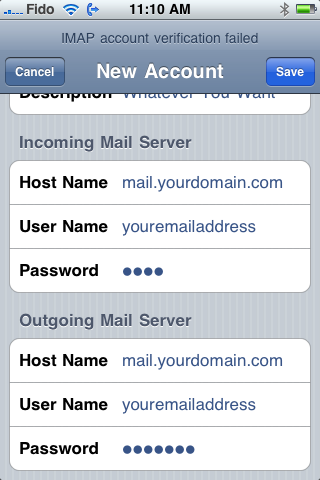
How do I connect my email to my phone
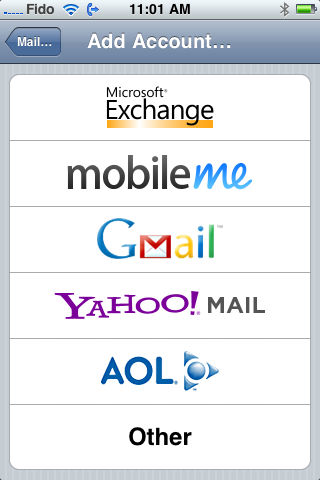
In order to set up your iPhone for IMAP or POP retrieval please select "Other" as the mail account you add:
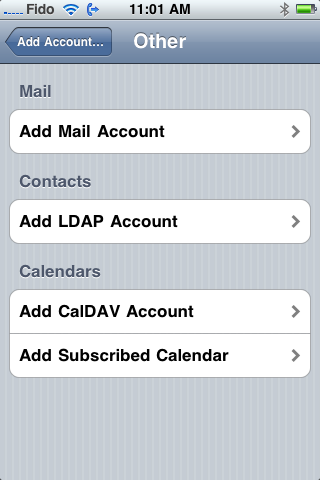
Then select "add mail account"
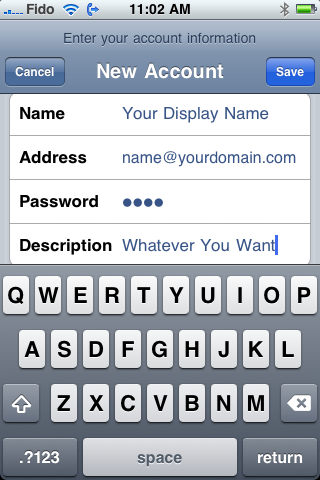
Put in your information as shown below then click save:
The iPhone will attempt to autoconfigure afterwhich it will get an error, go ahead and enter the information manually as shown:
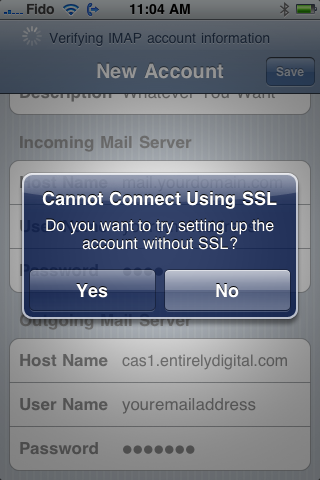
The iPhone will attempt to connect via SSL whish is not supported, just click yes to the window below:
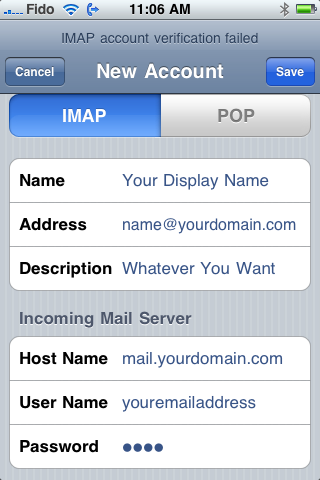
Ensure your SMTP server is set to authentication and that the outgoing port is set to 587: